Turn parts into one file
A long stream often ends up as several parts. Pick the finished recordings in the order you want and SVD joins them into a single file. The originals are left exactly as they are. If the parts came from a watch, you can jump straight here from that watch's details.
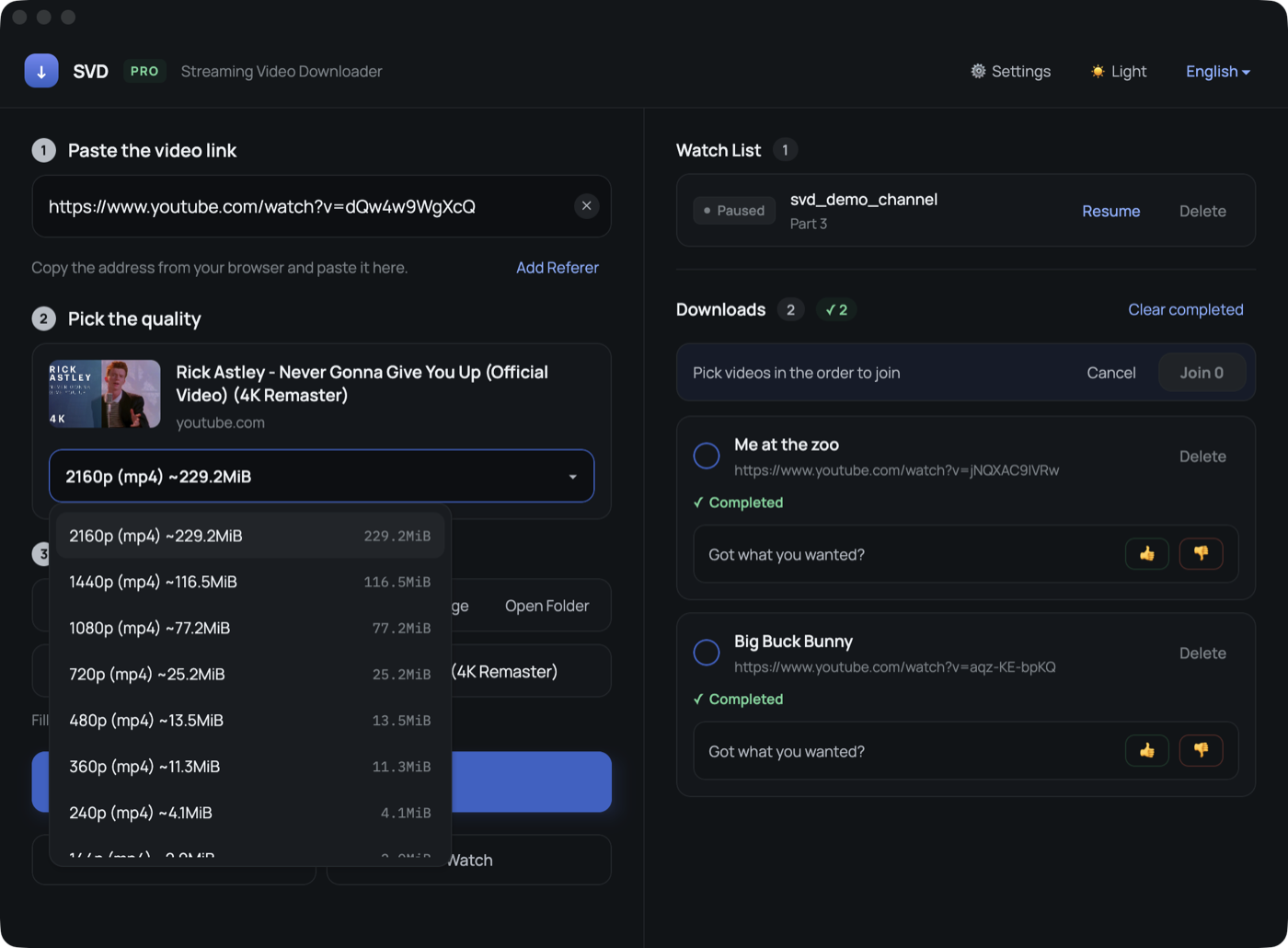
How to join
Press Select to join
The download list turns into a selection list.
Pick in order
Click the parts one by one — the number on each card shows the order.
Press Join
Progress and the estimated time left are shown while it runs.
Check the result
The joined file appears in the list with the name of the first part.
When parts cannot be joined
Parts recorded before and after a reconnect can differ in resolution or codec. SVD does not re-encode them, so in that case it stops and tells you — with the originals untouched, so you can still play them separately or convert them yourself.
FAQ
Does joining re-encode the video?
No. Parts are copied into one container, so quality is unchanged and it finishes quickly.