Get SVD.
Free for 7 days. No account, no credit card.
First launch
Security prompts on macOS and Windows — exactly what to click.
01
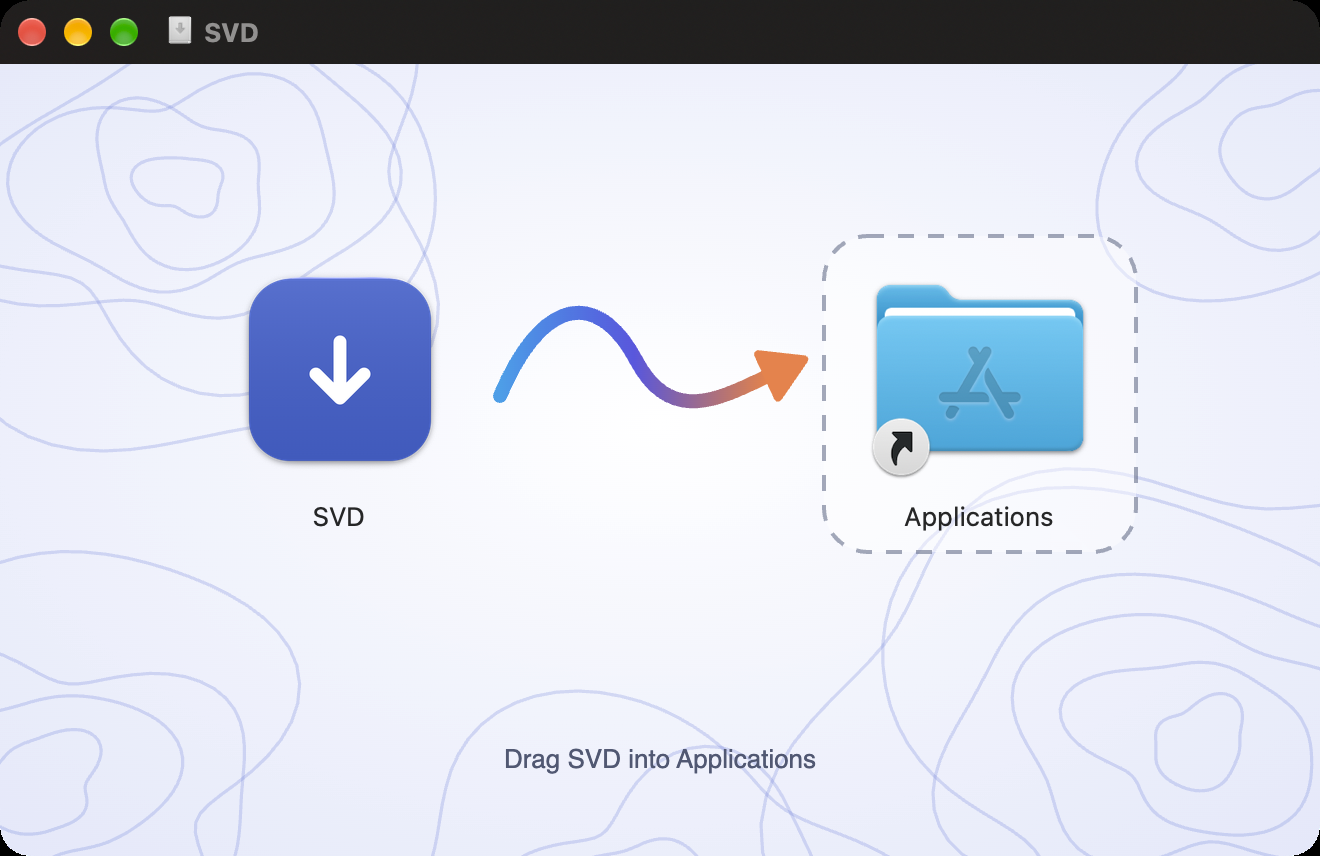
Open the .dmg
Drag SVD into your Applications folder.
02
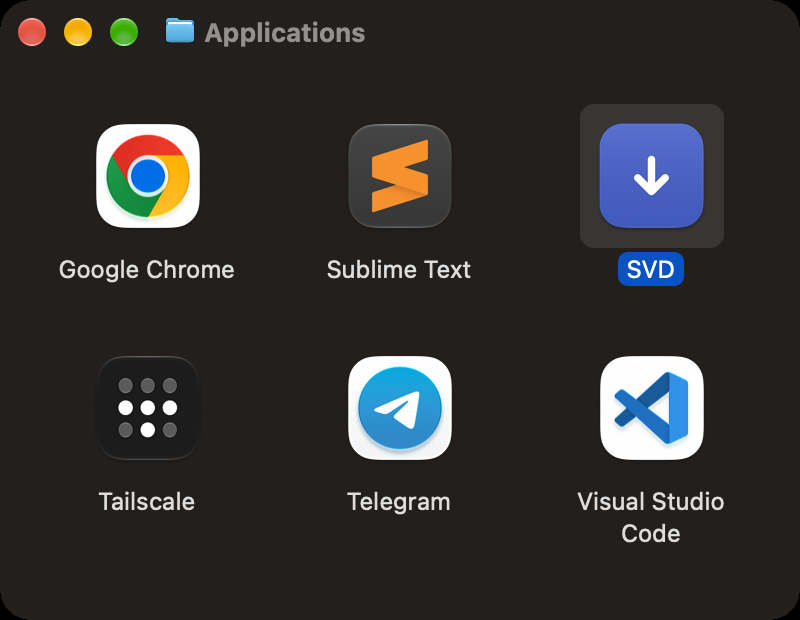
Open SVD
Open SVD from Applications. It's Apple-notarized — if macOS asks, click Open.
03
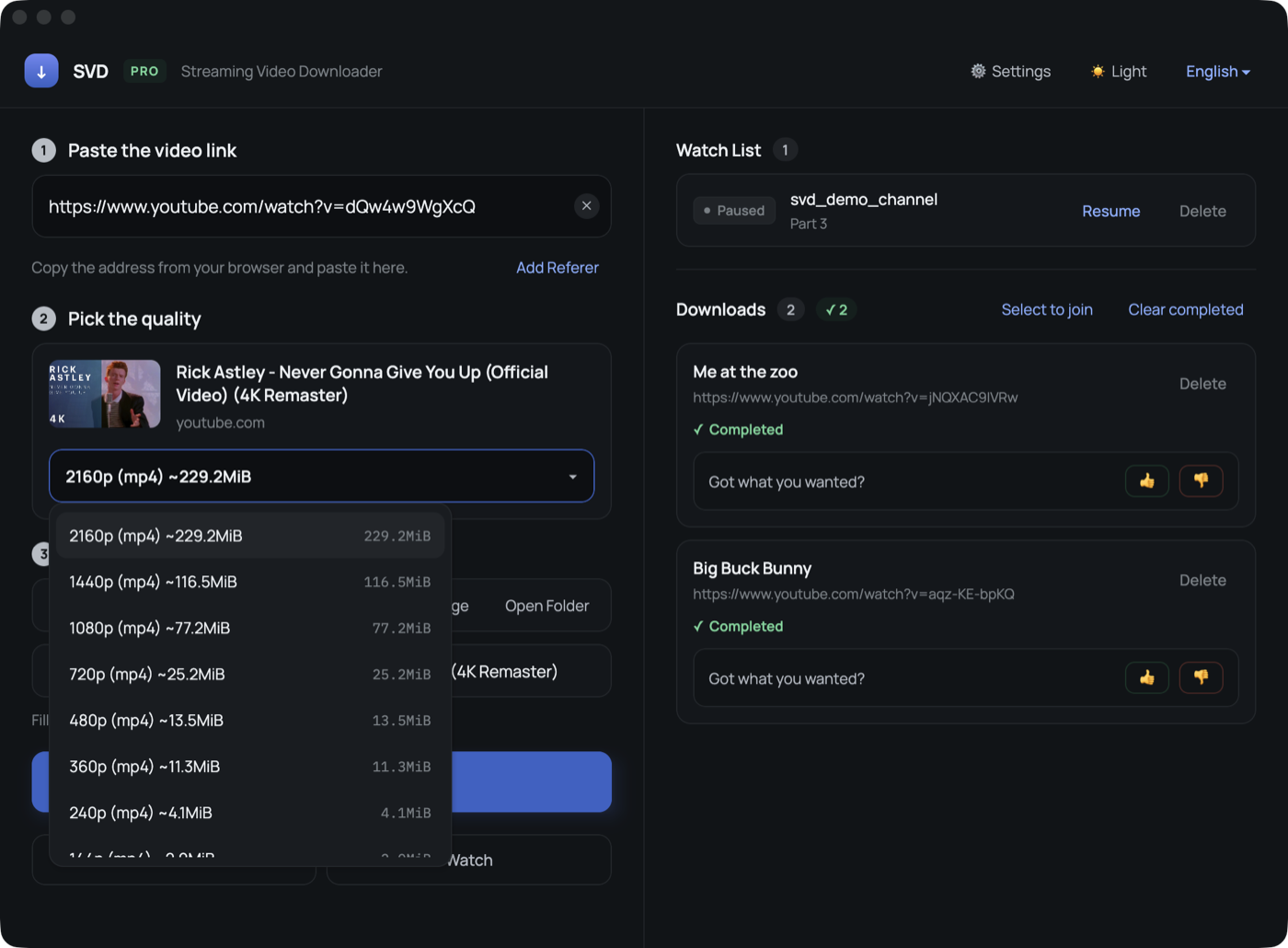
Paste your first link
Copy a video address and SVD picks it up.
01
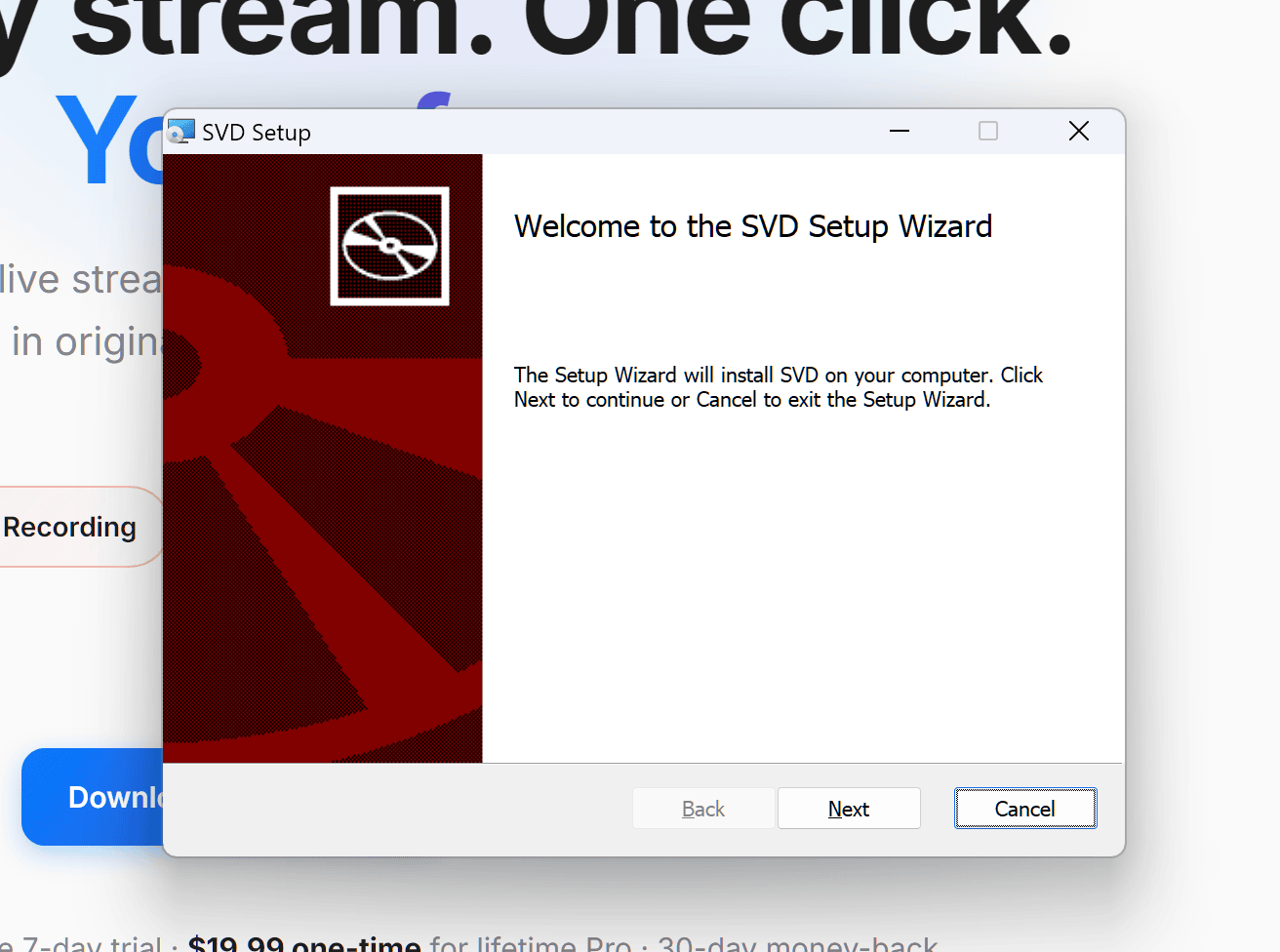
Run the installer
Open the .msi and click Next through the setup.
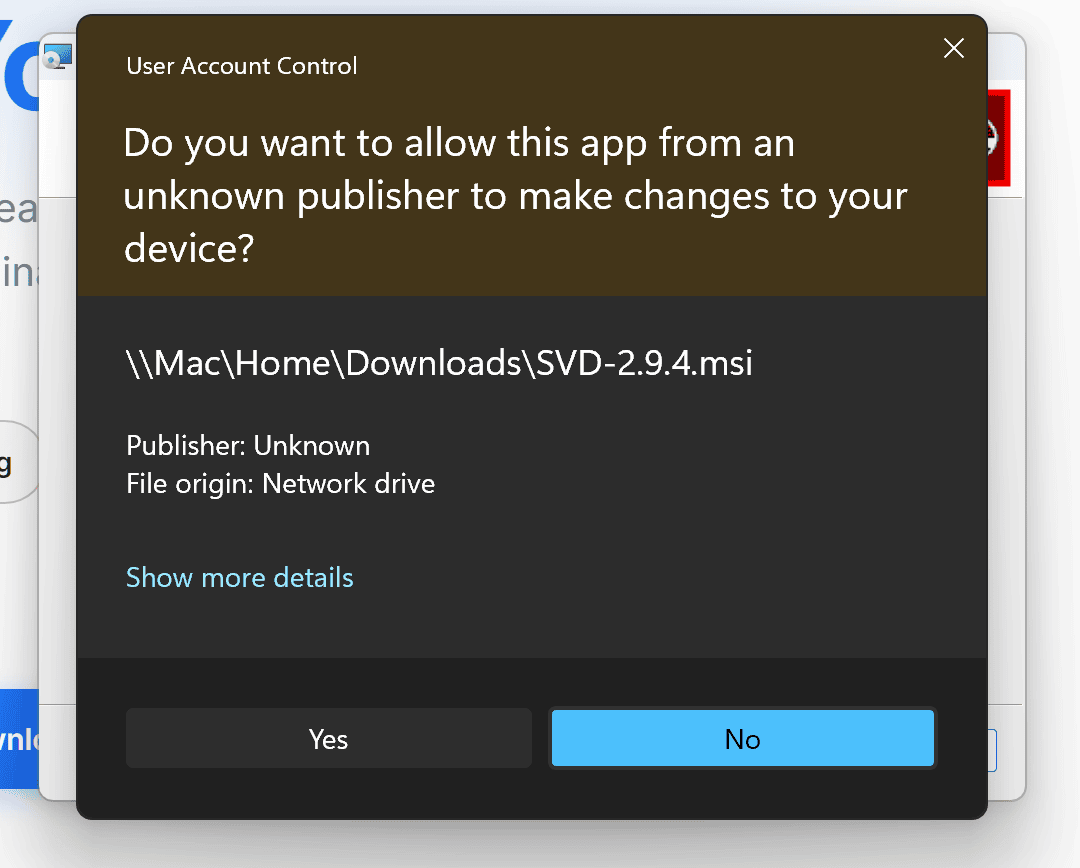
02
Allow the installer
If Windows asks for permission, click Yes.
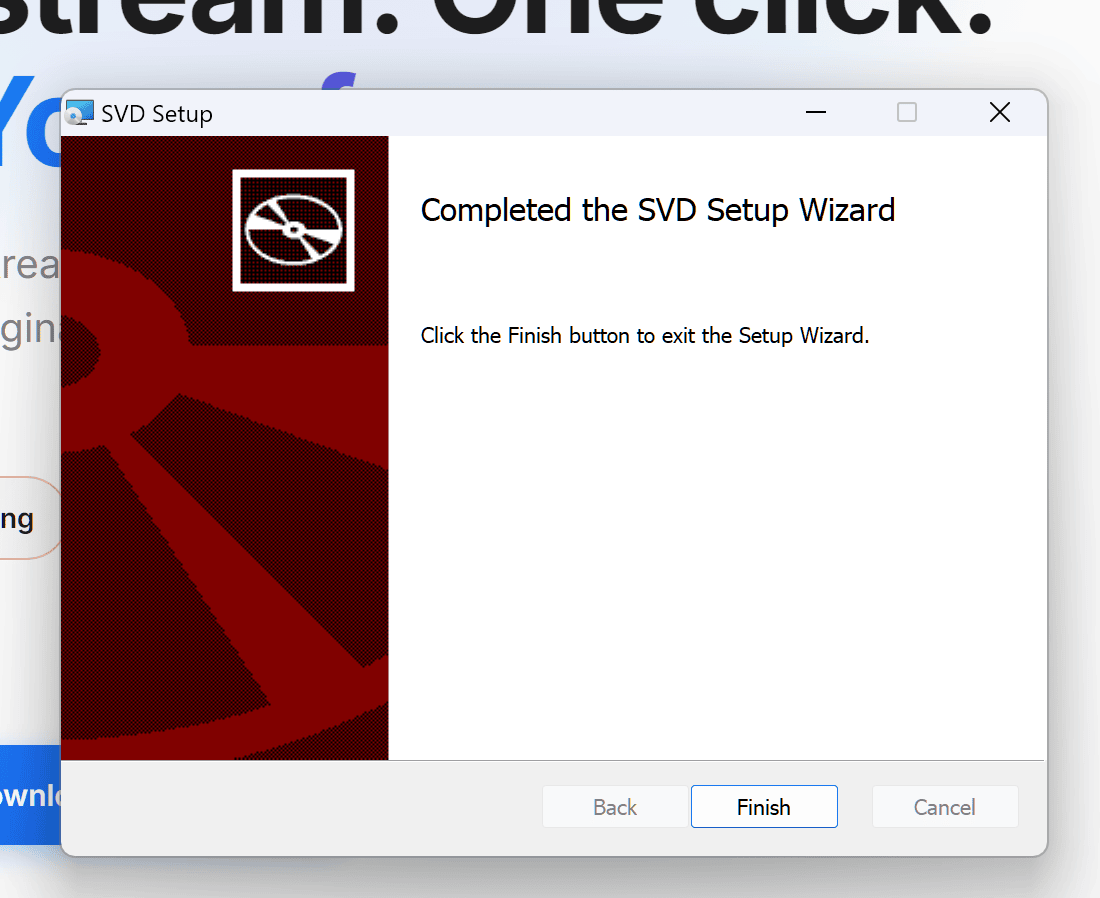
03
Finish and open SVD
Click Finish, then open SVD from the Start menu.
Chrome extension
Detects video on the page you're on and sends it to SVD in one click. It's distributed from this site, not the Chrome Web Store.
Download extension01Download and unzip the extension
02Open chrome://extensions and turn on Developer mode
03Click “Load unpacked” and pick the folder
04Pin SVD to the toolbar
Questions before you install?
The guides walk through every step.