How to Download Twitch VODs, Clips & Live Streams
Save any Twitch VOD, clip, or past broadcast — and record live streams — to Mac or Windows in original quality. Sub-only content works with your existing Twitch login.
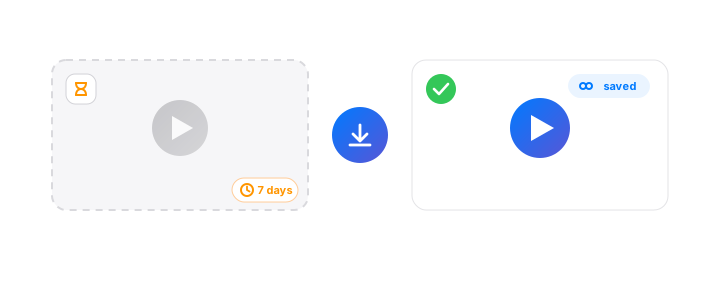
What SVD can grab from Twitch
- VODs — past broadcasts on
twitch.tv/videos/xxxxx - Clips — short highlights on
clips.twitch.tv/xxxxx - Live streams — ongoing broadcasts, recorded in real time
- Sub-only content — if you have a subscription, via your browser cookies
- Highlights & past broadcasts — anything still visible on the channel's video page
Download in 4 steps
Install SVD
Grab the Mac or Windows build from the home page. Apple-notarized on macOS, and local-only.
Copy the Twitch URL
VOD: twitch.tv/videos/1234567890. Clip: clips.twitch.tv/CleverAdjectiveNoun. Live: twitch.tv/channelname. SVD auto-detects clipboard URLs.
Pick a quality
SVD enumerates every rendition Twitch offers — from 160p audio-only to 1080p60 source. Same-resolution H.264 is preferred for compatibility.
Download or record
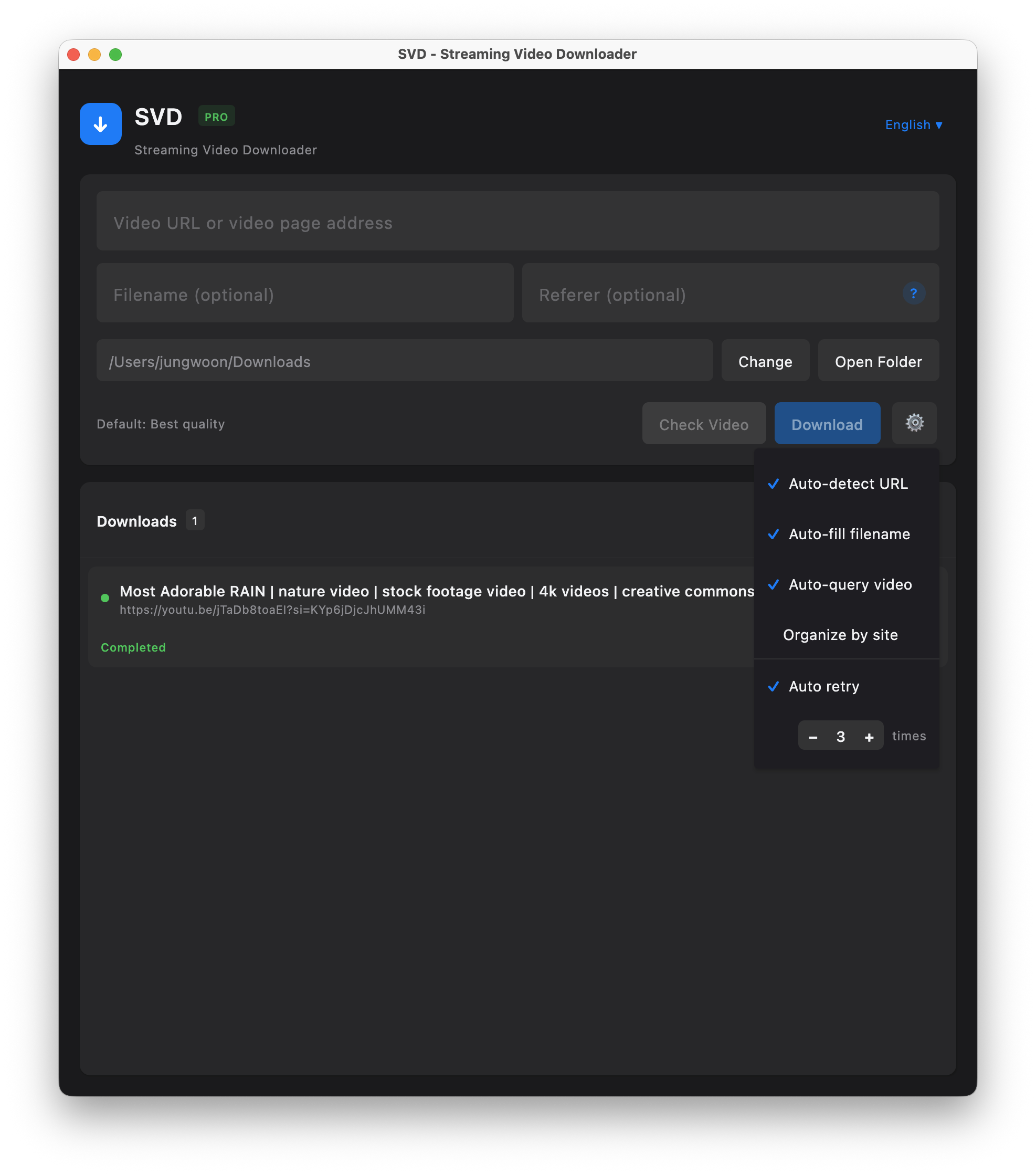
VODs and clips download directly. Live streams are recorded from the HLS feed in real time — click Stop whenever, or let it run until the streamer ends the stream.
Ready to try it?
Free 7-day trial. No account needed. Your recordings stay on your machine.
Sub-only, team, and unlisted VODs
For content gated behind a subscription or team membership, SVD authenticates using your browser cookies. Requirements:
- You must have a valid Twitch login in Chrome, Edge, or Safari
- You must currently be subscribed to the channel (or a member of the team)
- Cookies are read locally by the bundled
yt-dlpengine — nothing is uploaded
SVD vs other Twitch download methods
- Browser extensions (Twitch Leecher, etc.) — often break after Twitch API changes. SVD auto-updates its underlying extractor.
- Online VOD downloaders — upload your URL to their servers. SVD downloads direct to your machine.
- OBS screen recording — lossy, eats CPU, records only what's on screen. SVD pulls the original HLS segments.
- yt-dlp CLI — great if you're comfortable with terminals. SVD is a native GUI over the same engine with auto-updates and an Apple-notarized macOS build.
Frequently asked questions
Can SVD download sub-only Twitch VODs?
Yes — if you have a subscription. SVD uses cookies from your installed browser to authenticate, and the cookies never leave your machine.
Can I download a deleted Twitch VOD?
Only if it's still accessible to you at that exact moment. Once Twitch removes a VOD, nothing can recover it. DMCA-muted VODs still download in their muted form.
How do I record a live Twitch stream?
Paste the live channel URL. SVD records the HLS feed until you stop or the stream ends, saving a single MP4.
Does SVD download Twitch clips?
Yes. Paste the clips.twitch.tv/... URL and SVD downloads at source resolution.
Is saving Twitch VODs legal?
Saving for personal offline viewing is broadly accepted under personal-use provisions in many jurisdictions. Redistribution is separate and usually not allowed. Respect creator rights.
Download SVD now
Free 7-day trial · No credit card · Apple-notarized (macOS) · Works offline