Installing SVD with Google Chrome
Chrome usually lets the download through. Here's what a healthy download looks like, and what to do if Chrome does flag it.
Downloading with Edge instead? Use the Edge guide →
Download the installer
Click Download for Windows and let it run. The file is about 280 MB, so give it a moment. When it's done, Chrome's download list shows the full size:
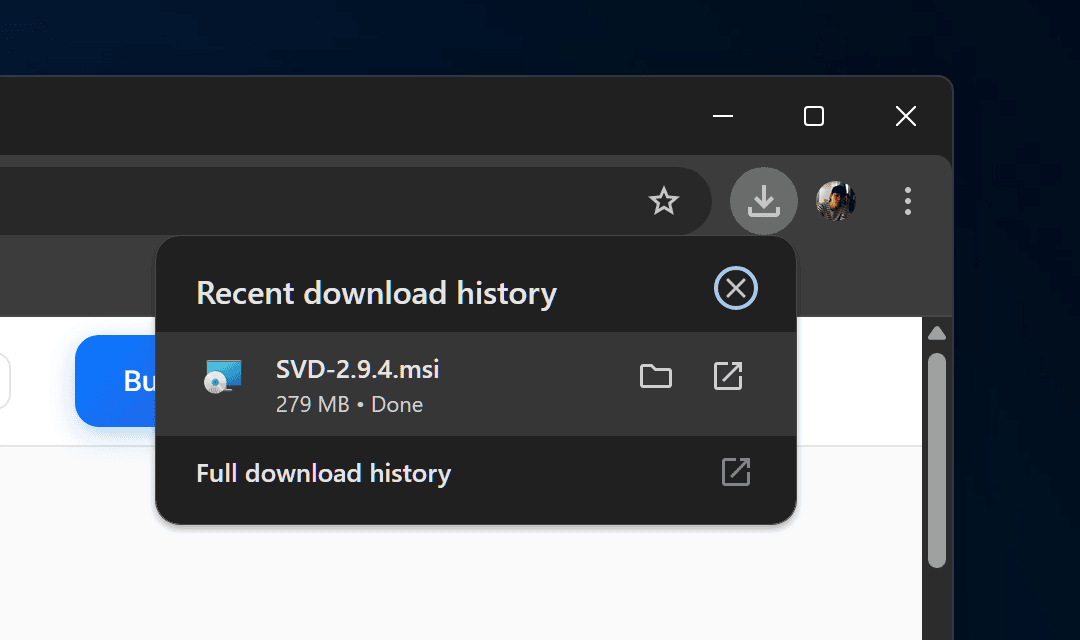
In our testing on Windows 11, Chrome downloaded SVD without any warning at all. If yours does the same, skip straight to step 2.
If Chrome warns you
Chrome sometimes flags installers it hasn't seen often, with a line like "SVD-3.0.16.msi isn't commonly downloaded". If that happens:
Open the Downloads list, click the ⋮ next to the file, and choose Keep. If Chrome asks again, choose Keep anyway.
No screenshot here — Chrome didn't show this warning in our testing, and we'd rather not show you a mocked-up screen. The wording above is what to look for.
Windows asks for permission
Double-click the MSI. Windows User Account Control asks whether to allow it. From 3.0.10 it shows the verified publisher byjwstudio. Older versions showed Publisher: Unknown, as in the screenshot below.
Click Yes.
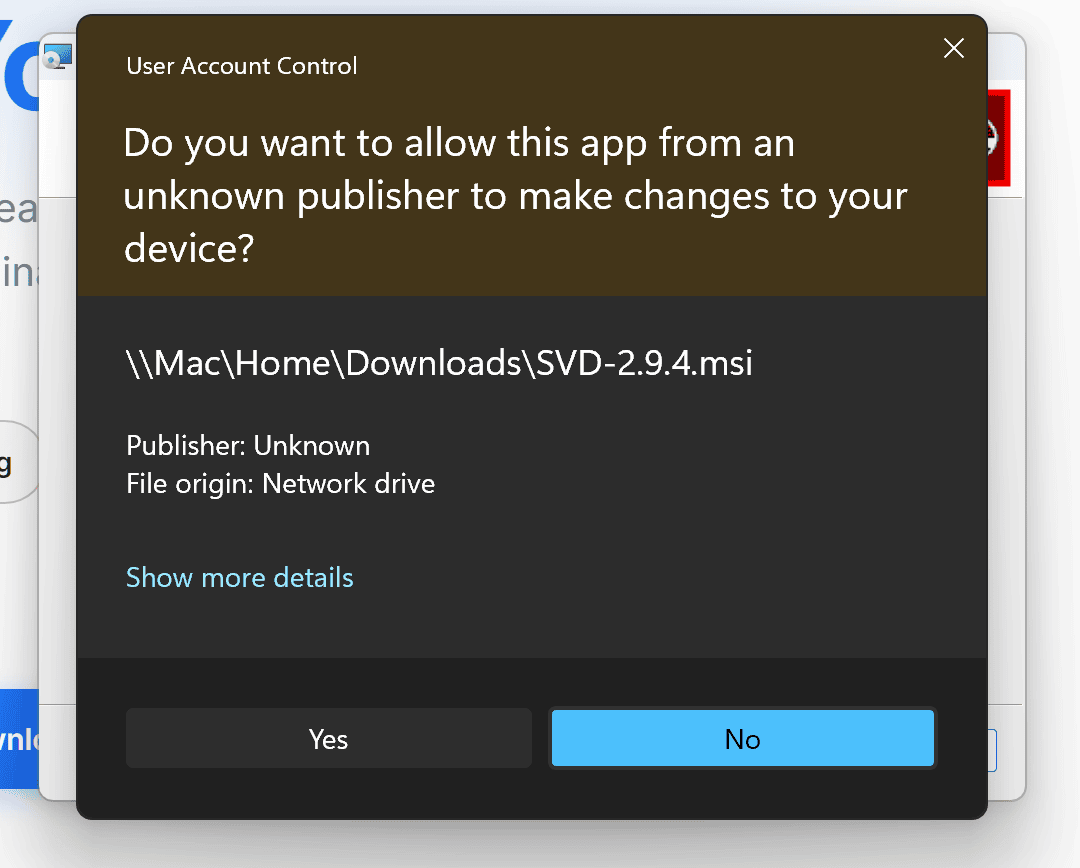
The file path shown will match wherever you saved the download.
First launch
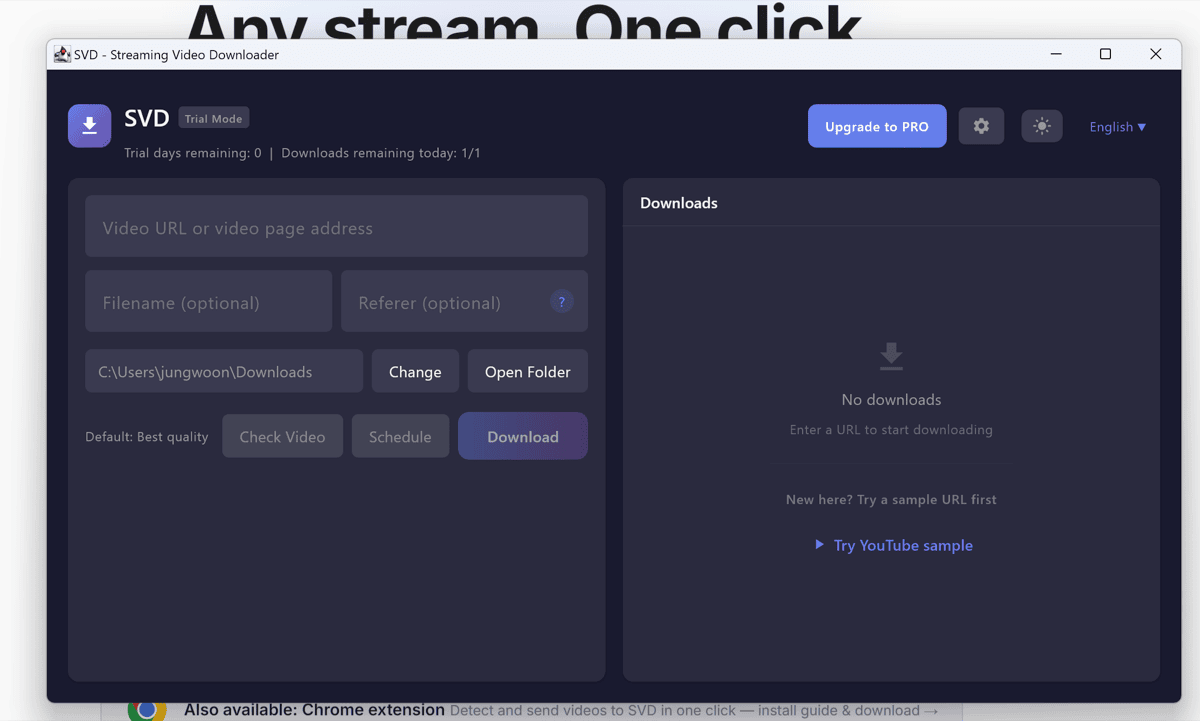
Open SVD from the Start Menu. The first run takes a few seconds while Windows checks the bundled binaries. After that, paste a video URL and SVD downloads it. The free trial runs 7 days with a daily limit.
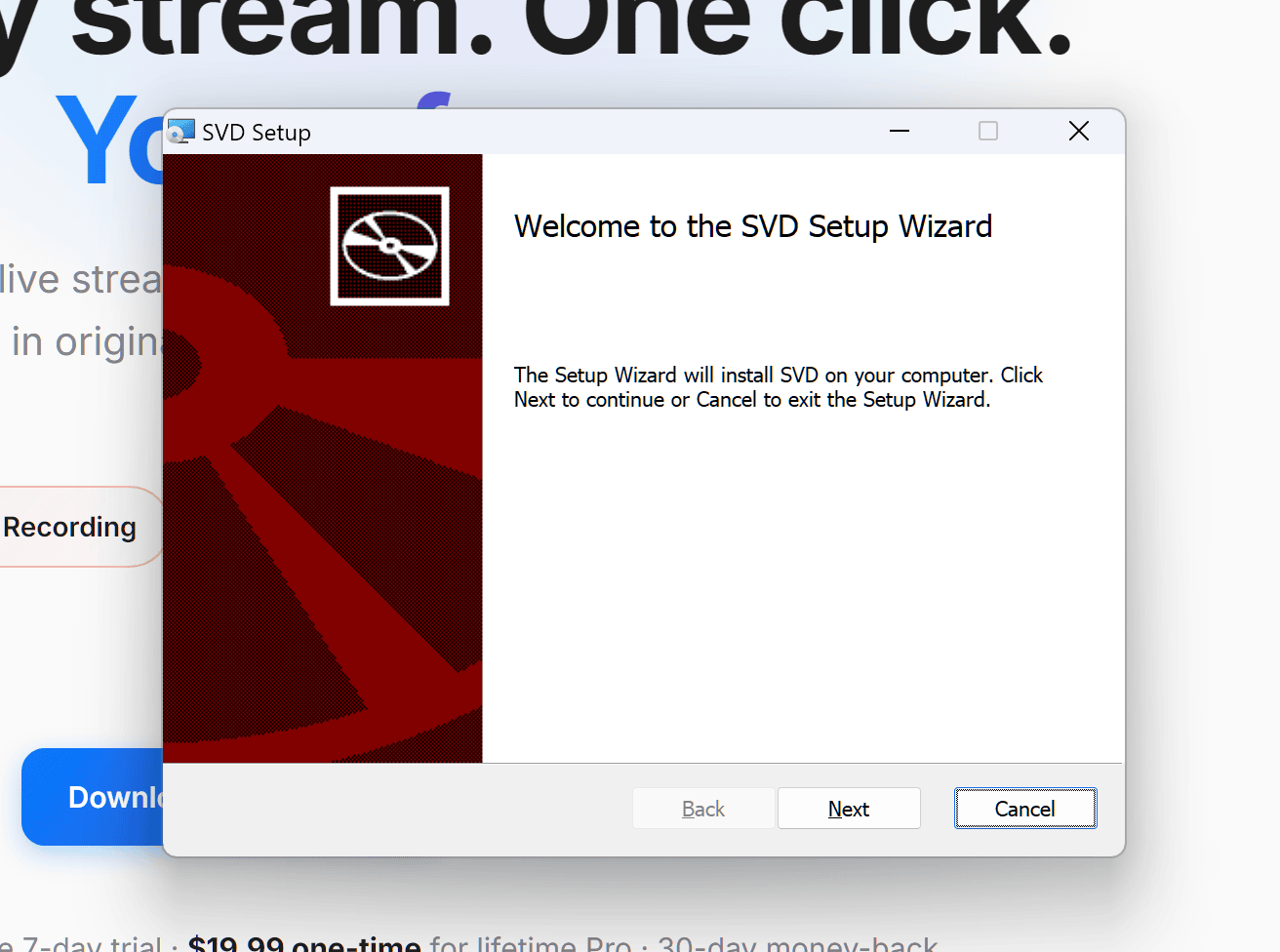
What the installer looks like
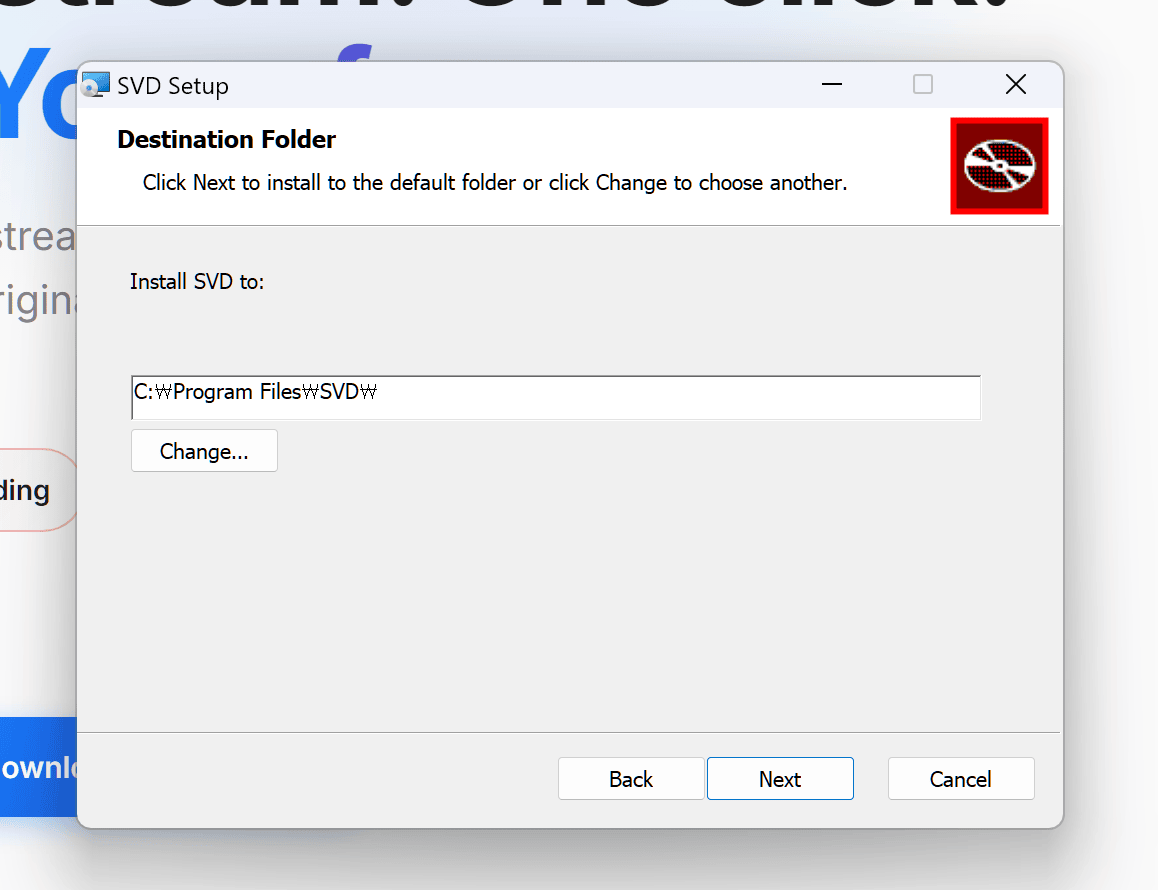
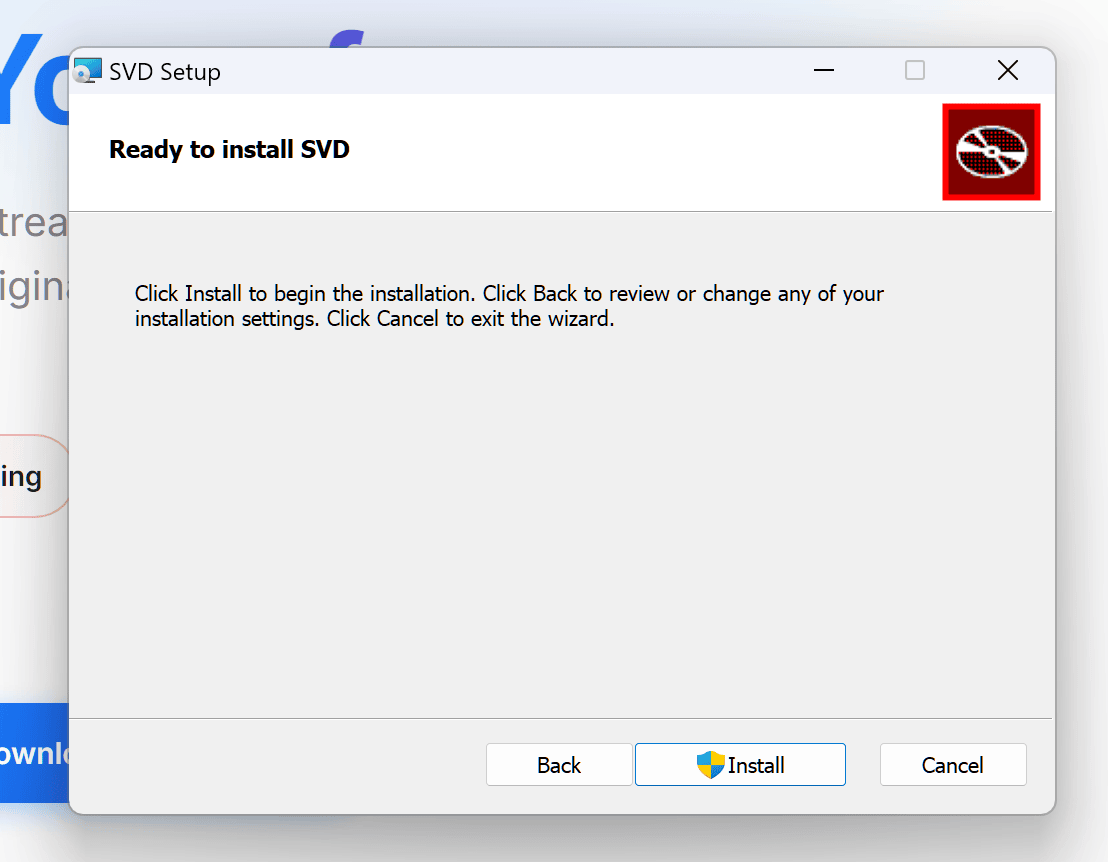
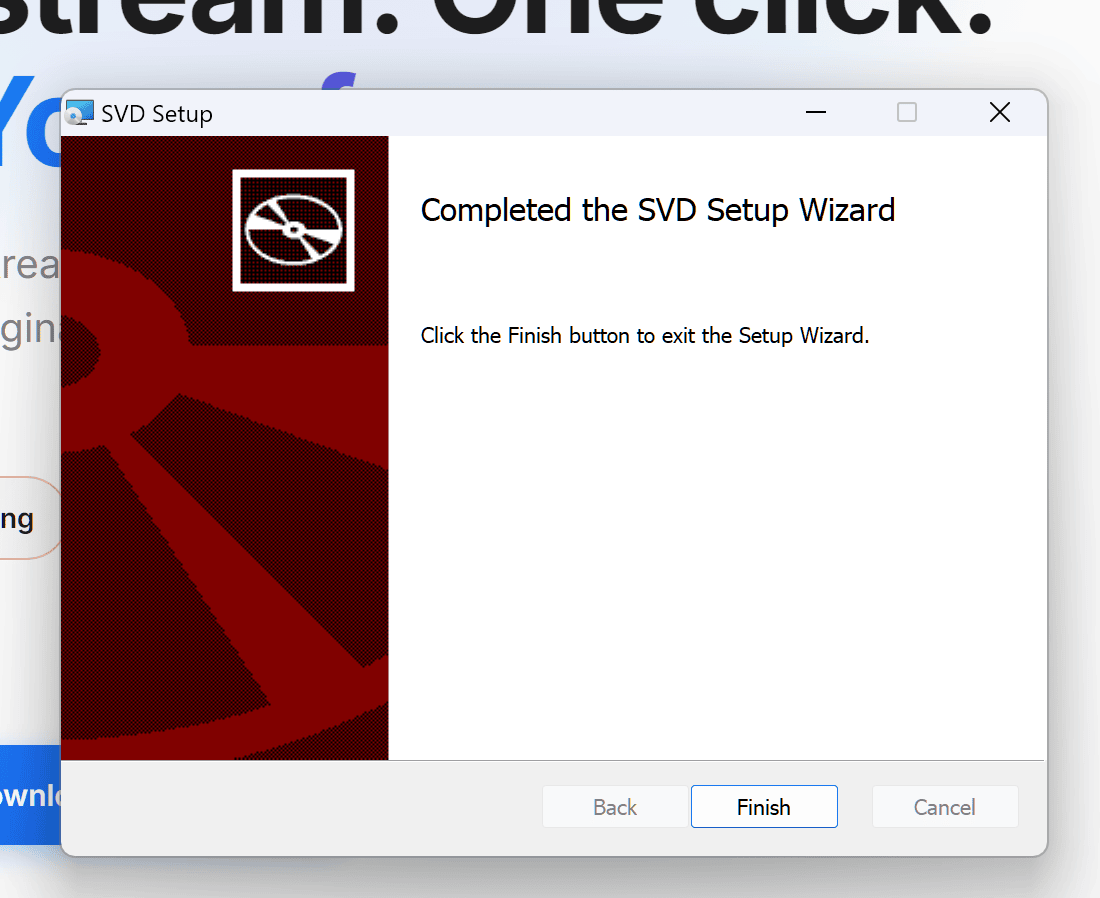
From here it's an ordinary Windows installer. If your screens match these, it's going correctly.
⚠️ Got a 0-byte file, or one that won't open?
Then the download never finished. A complete download shows the full size in your browser's download list — this is Chrome, and Edge shows the same thing in its own download tray:
SVD-3.0.16.msi is about 280 MB. If yours is 0 bytes, much smaller, or still ends in .crdownload, it was blocked or cut off — usually by SmartScreen or antivirus, not by a broken link.
Delete the partial file and download again. If it keeps failing, pause your antivirus for the download or try another browser, then confirm the result with the hash below.
If "Keep anyway" is greyed out and hovering it shows "Managed by your organization", a Windows or Edge policy on this device is blocking the download outright. That's a device setting, not something we can fix from our end. Download with PowerShell instead:
Invoke-WebRequest -Uri "https://storage.googleapis.com/getsvd-downloads/releases/v3.0.16/SVD-3.0.16.msi" -OutFile "$HOME\Downloads\SVD-3.0.16.msi"
This skips the browser download layer entirely. Check the hash afterwards, then run the MSI as usual.
🔐 Verify the installer (optional)
To confirm the file you downloaded is the exact one we built, compare the SHA-256 hash:
certutil -hashfile SVD-3.0.16.msi SHA256
Expected hash for SVD-3.0.16.msi:
bf5dcbcb316e23f3985d7f97c34349f49d00b9984a4b1b6a25428e14737c38e1
If it matches, the file arrived complete and untampered. A mismatch — or a 0-byte file — means the download was blocked or cut short.